The best translation plugin for WordPress Multisite depends on how you run the network. If each language should be its own subsite, MultilingualPress is built for exactly that. If each subsite is a different website that needs several languages, pick a plugin you can manage from Network Admin, such as WPML or TranslateWP.
We built TranslateWP, a WordPress plugin for context-aware AI translation with unlimited websites and languages, and no word-count billing. That means we have a side, but we’ll still tell you where other tools fit better.
Two ways to run a multilingual WordPress Multisite
A multilingual WordPress Multisite uses one of two models: one subsite per language, or every language inside each subsite. A Multisite network runs many sites from one WordPress install with a shared Network Admin, as the WordPress documentation on creating a network explains. The model you choose narrows the plugin list more than any feature does.
One subsite per language
In this model, the English, French and German sites are separate subsites. The plugin links matching pages, so the language switcher and hreflang tags know which page belongs to which. MultilingualPress and the free Multisite Language Switcher plugin work this way.
It suits businesses whose markets need different content, prices or teams. The cost is upkeep. Every page exists once per language, and someone has to keep them in step.
Every language inside every subsite
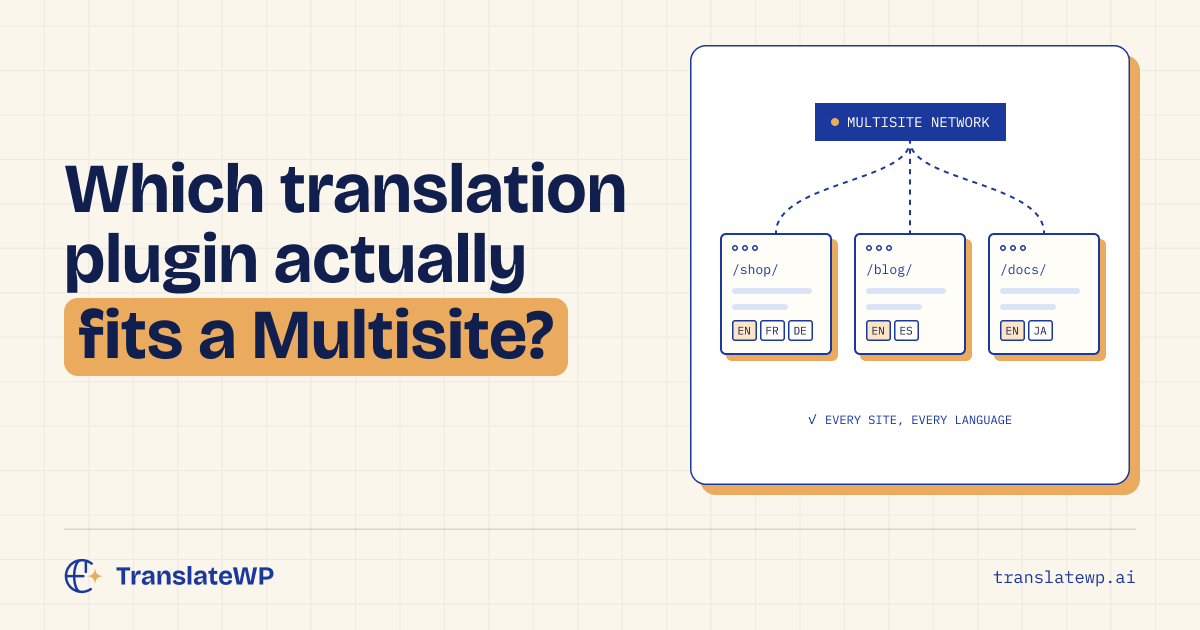
In this model, each subsite is its own website, like a shop, a blog or a client site, and each one gets language folders such as /fr/ and /de/. WPML, Polylang, TranslatePress, Weglot and TranslateWP fit here.
It suits agencies, schools and companies that run many different sites. The real questions become how much you manage per subsite, and how the bill grows as the network grows.
How to choose a translation plugin for WordPress Multisite
Four questions sort out most networks before you look at any feature list.
- Network management. Can you connect and configure subsites from Network Admin, or do you log in to each one?
- Licensing. Does the price count sites, languages or words? On a network of 20 subsites, per-site and per-word pricing adds up fast.
- Translation workflow. Do you want people translating by hand, machine translation you edit, or AI translation that runs on its own?
- Multilingual SEO. Each language needs its own URL, hreflang tags and a canonical tag. Check this on every subsite, not only the main one.
Ask each vendor these questions for your network size. Pricing pages usually describe a single site.
WordPress Multisite translation plugins compared
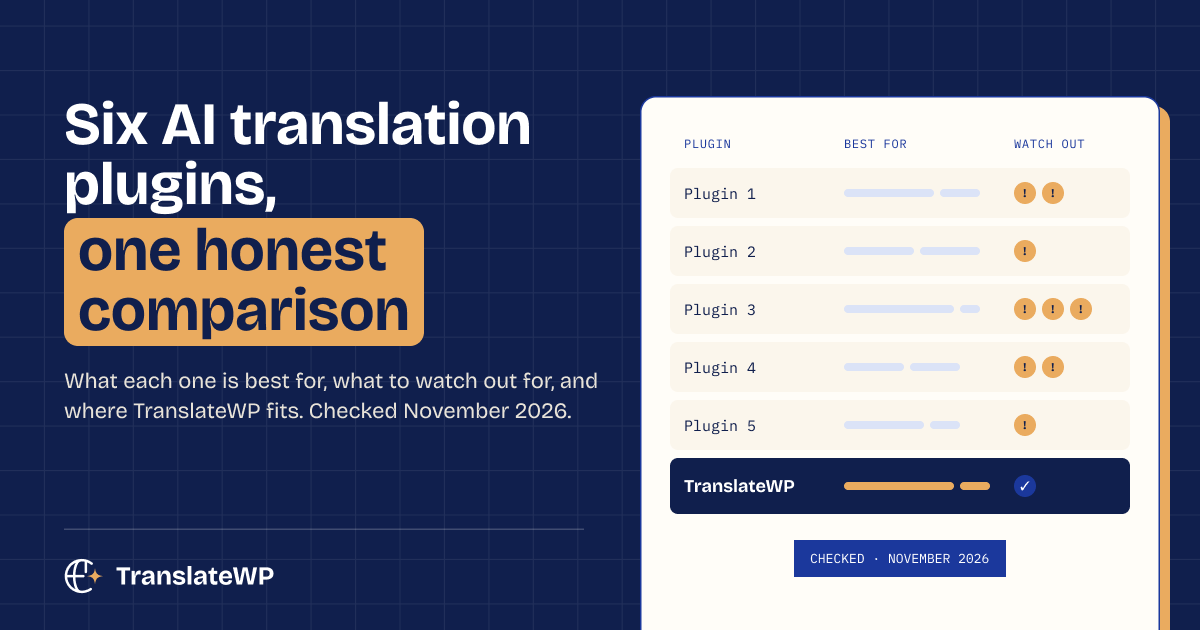
The realistic options for translating WordPress Multisite differ most in model and licensing. This comparison is current as of October 2026.
| Option | Best for | Watch out for |
|---|---|---|
| TranslateWP | Networks of different sites that want AI translation managed from Network Admin | Page content goes to the TranslateWP service and its AI providers. URL slugs are not translated. |
| MultilingualPress | One subsite per language, with separate content per market | Every language is a full site to maintain. Plans run from €149 a year for 2 languages to €1,499 for unlimited languages, each for one WordPress installation, VAT included. |
| WPML | Complex subsites with WooCommerce that need fine control | Paid only, with a steeper learning curve. Plans cover 1, 3 or unlimited production sites (€39, €99 or €199). On a network, one site key registered on the main site covers the subsites, but you configure WPML on each subsite. |
| Polylang | Free, hand-translated content on a few subsites | Set up per subsite. Automatic translation needs Polylang Pro and DeepL. |
| TranslatePress | Visual editing on the front end of each subsite | Translating SEO metadata and slugs needs a paid add-on. Paid plans cover 1, 3 or unlimited sites (€99, €199 or €349 a year). The premium version must be activated on each subsite, not network-wide, so ask how your subsites count. |
| Weglot | Hands-off translation as a service | Plans limit words and languages, so every subsite you add uses more of your plan. Multisite management starts on the Pro plan (€790 a year: 3 websites, 5 languages, 200,000 words), and each plan caps the number of websites. |
How TranslateWP handles WordPress Multisite
TranslateWP adds its own area in Network Admin. You connect every subsite in one approval, or one at a time. A single table shows each subsite’s connection, setup status and languages. Once one subsite is set up the way you like, you copy its settings to the rest of the network.
Multisite support is part of Terrestrial (Free), along with unlimited websites and languages, the Lexicon for brand terms and tone presets. Orbital (Pro) is bought per account and covers every site on it. A network of 30 subsites doesn’t mean 30 licences. The current plans are on our TranslateWP pricing page.
On each subsite, TranslateWP prepares the front page and menu pages at setup. Other pages translate on their first visit in a language and are cached for reuse. The default language keeps its original URL, and each other active language gets a folder. Free includes language-folder URLs, hreflang with x-default and per-language canonical tags. Orbital (Pro) adds advanced SEO features, including translated metadata and sitemaps.
Ready to make your WordPress site multilingual? Install TranslateWP, connect your account and choose the languages you want to offer, without manually creating separate versions of your pages. The short walkthrough below shows the process in action, from finding the plugin to viewing a real page translated from English into German.
Who TranslateWP suits, and who it doesn’t
TranslateWP suits a network where each subsite is a different website and you want AI translation without word-count billing or a licence per site. It also suits teams who’d rather set things up once in Network Admin than log in to 20 dashboards.
It’s the wrong pick in a few cases.
- You want one subsite per language, with content written separately for each market. MultilingualPress matches that model better.
- You need translated URL slugs. TranslateWP keeps the original slugs.
- Your content must never leave your server. TranslateWP sends translatable page content to its service and AI providers, so read our privacy policy first.
- You run a very large network. Every plan has a fair-use AI allowance per 30 days for the whole account. For higher volume, Universal (Agency) sets an allowance with you.
Setting up translation on a Multisite network
Setting up translation on WordPress Multisite goes smoothest when you test first and configure one subsite before the rest.
- Copy the network to staging and test with your theme and page builder.
- Decide the model: one subsite per language, or languages inside each subsite.
- Install the plugin network-wide or per subsite, as its documentation says.
- Configure one subsite fully, then copy or repeat those settings.
- Check each language URL, its hreflang tags and the sitemap before you announce anything.
If you get stuck with TranslateWP on a network, our TranslateWP support team can help.
Frequently asked questions
Does TranslateWP work on WordPress Multisite?
Yes. TranslateWP adds an area in Network Admin where you connect subsites, see each one’s status and languages, and copy settings across the network. Multisite support is included in Terrestrial (Free).
Do I need a separate licence for each subsite?
With TranslateWP, no. Orbital (Pro) is bought per account and covers every site on it. Other plugins count sites differently, so check each vendor’s terms for your network size.
Is one subsite per language better for SEO?
Not by default. Search engines handle language folders and separate subsites well, as long as each language has its own URL and correct hreflang tags. Google explains the options in its guide to localized versions of your pages.
Can I translate only some subsites?
Yes. In TranslateWP you connect subsites one at a time if you prefer, so a subsite you don’t connect stays in its original language.
Your next step: list your subsites, mark which model fits each one, then try TranslateWP Free on a staging copy of one subsite.