Automatic WordPress translation promises a switch you flip once. In practice, “automatic” covers very different setups. Some translate only in the visitor’s browser. Others translate the whole site at once and bill you by the word. Here’s how each kind works, what to watch for, and how to keep every language sounding like you.
Three kinds of automatic translation ⚙️
In the browser
A widget asks the visitor’s browser to translate the page as it loads. Quick to add. But nothing is saved to your site, so search engines only ever see your original language and the translations bring in no new traffic.
Everything at once
The tool translates every page into every language as soon as you switch it on and stores the copies. Thorough, yes. You also pay for pages nobody reads, often by the word, and every copy needs updating when you edit.
On demand, then stored
Each page is translated the first time a visitor opens it in a language. The result is stored and served to everyone after. TranslateWP works this way, and it’s why your translations keep up with your edits.
How TranslateWP does it 🌍
Setup takes a few minutes:
- Install Terrestrial (Free) and connect your site with one click.
- TranslateWP reads your site and suggests a description, style and tone. Change whatever you like.
- Pick from more than 500 languages and regional variants.
Your front page and menu pages are translated straight away. After that it runs by itself:
- New pages and posts get translated on their first visit in each language, with nothing to queue.
- Edited pages follow your changes on the next visit.
- When a page opens in a new language, the text on screen is translated first, top to bottom.
- While translation is pending, a loading indicator is shown. If translation fails, the original text remains available.
The full walkthrough is in how to translate a WordPress site in four steps.
Keeping automatic WordPress translation on brand 🎯
The usual fear is losing your voice. A product name gets translated literally, or a friendly tone comes out stiff. TranslateWP handles that in four ways.
It reads whole passages in context and uses the description of your site to pick the right meaning for ambiguous words.
Names, brands and product names stay as written.
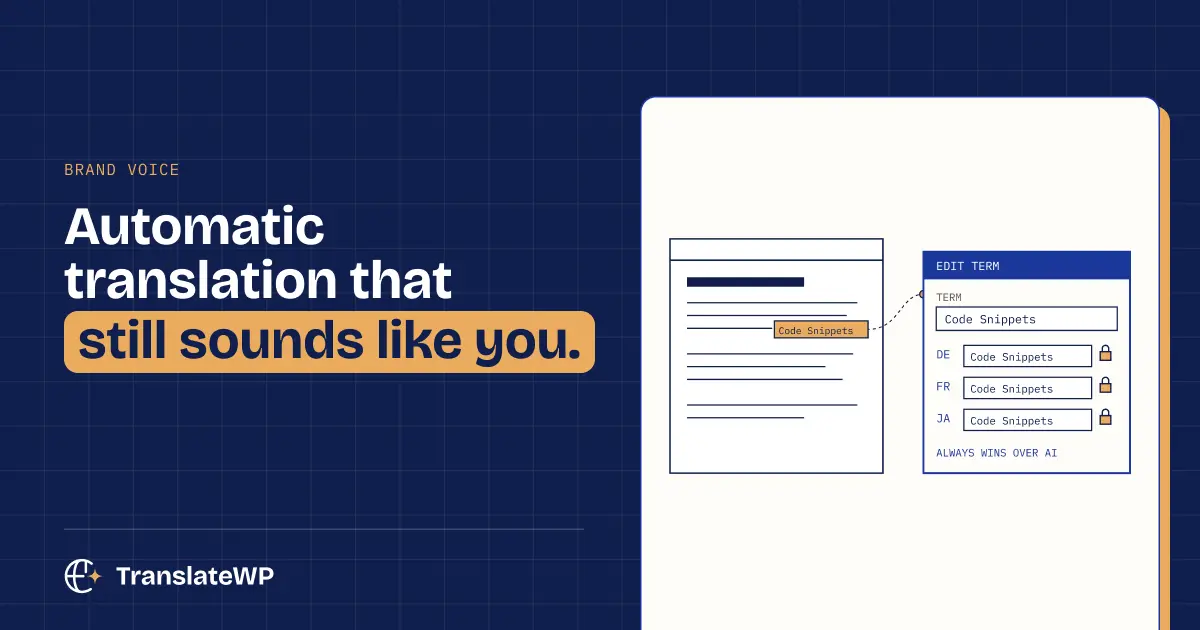
The Lexicon sets the rules. Add terms that must never be guessed and choose how each is translated per language. Lexicon rules override the AI, one click updates translations you already have, and the Lexicon is free.
Every plan includes style and tone presets with formality and creativity controls. With Orbital (Pro), you write your own custom style and tone. Then fix any sentence on the page itself. Your correction is kept until the original changes, and automatic updates won’t overwrite it.
Why does context matter so much? AI translation vs machine translation explains it.
What it leaves alone 🧠
- Text that keeps changing, like clocks and live counters, isn’t translated over and over.
- Translated pages tell the browser not to machine-translate them a second time.
- For translation, TranslateWP sends your page text and site address. Our privacy policy explains what is processed.
Each visitor in their own language 👋
Visitors pick a language from the switcher: a floating button, menu item, block, widget or shortcode. You can also open the site in each visitor’s browser language.
Pro can remember the choice and open the site in that language next time, for as many days as you set.
Translations search engines can see 🔍
Every translated page in TranslateWP has its own language folder that search engines can index, with hreflang and canonical tags, on every plan. Pro adds translated sitemaps, translated SEO titles and meta descriptions, structured data and IndexNow pings. See our guide to multilingual SEO for WordPress.
No word-count billing 💸
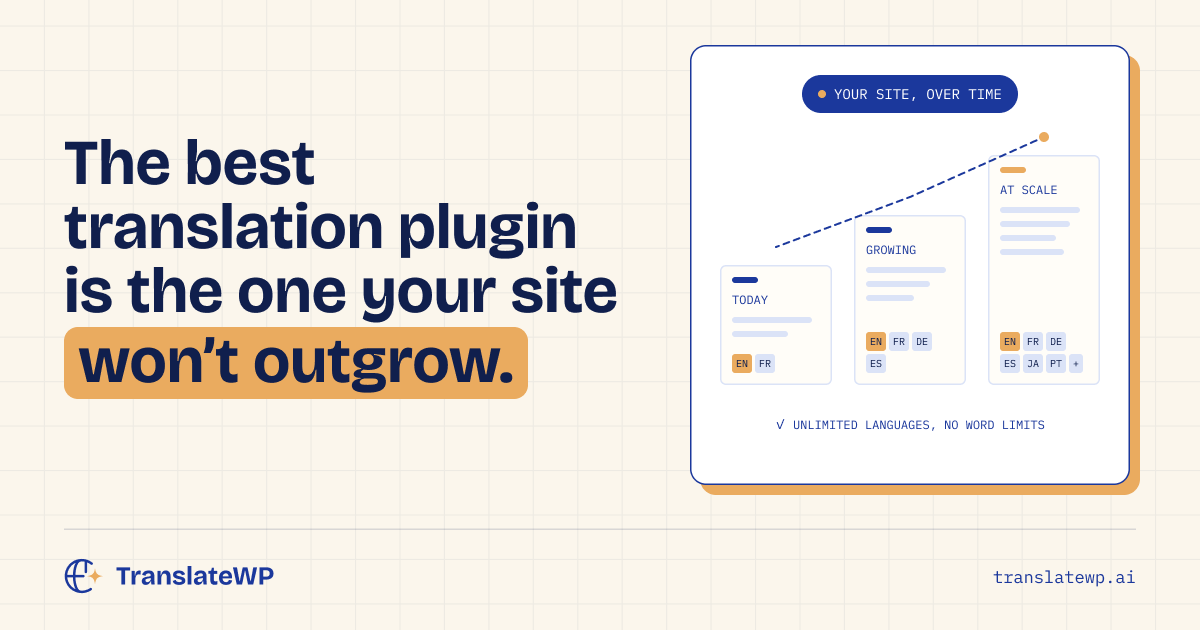
Plenty of automatic translation services bill by the word or by the language. TranslateWP doesn’t. No word-count billing on any plan, and every plan includes unlimited languages and websites.
FAQ ❓
Is automatic WordPress translation good enough to publish?
For most sites, yes, especially when it reads in context and follows your Lexicon. Review pages where every word matters, such as legal pages. Pro lets you correct any sentence on the page.
Do I need to translate my whole site before going live?
No. TranslateWP translates your front page and menu pages during setup, and every other page on its first visit in each language.
Does automatic translation update when I change a page?
Yes, on the next visit.
Can I stop certain words from being translated?
Yes. Names and brands are kept as written, and the Lexicon sets exactly how any term is translated in each language.
Founders deal, until 7 December 2026, 23:59 Amsterdam time: $59 per year, renewing at $59 while your subscription stays active, or $249 once, for life. Get the founders deal. Lifetime has no renewal and lasts for as long as TranslateWP is offered, subject to fair use. Prices exclude VAT; USD and EUR use the same numbers.