Look up the best WordPress translation plugin and you’ll get list after list saying every option translates. True, and no help at all. The differences hide in billing, in what happens when you edit a page, and in whether search engines ever see your translations. These ten questions bring them out before you commit.
1. Is the Terrestrial (Free) plan free, or a trial? 🆓
Free plans often shrink once you read the terms. Some cover one language. Some stop after a few thousand words, which a handful of blog posts will burn through. A few translate only inside the visitor’s browser and save nothing to your site.
Ask how many languages, words and sites the free plan covers, and for how long.
TranslateWP Free has unlimited websites and unlimited languages, no word-count billing and no trial period.
2. Does it charge by the word? 🔢
Word-count billing is the most common model and the hardest to plan for. One 1,500-word post in three languages counts as 4,500 words. Your blog keeps growing, so the meter keeps running.
TranslateWP has no word-count billing on any plan.
3. What does the next language cost? 🌐
Some plans include one or two languages and charge for each one after. Others bill on words and languages at once, so the two costs compound.
Ask what your fifth language would cost. Then your tenth.
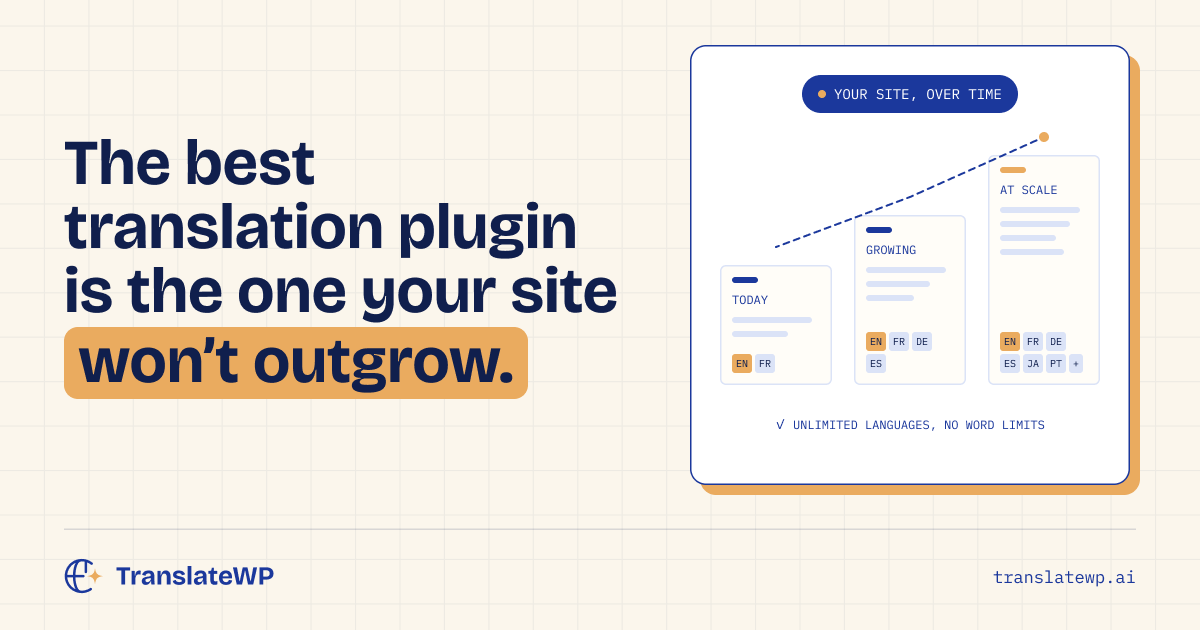
With TranslateWP the answer is nothing: unlimited languages on every plan, from a picker of more than 500 languages and regional variants.
4. Is it priced per site? 🏢
Per-site licences add up quickly if you run more than one site or build them for clients.
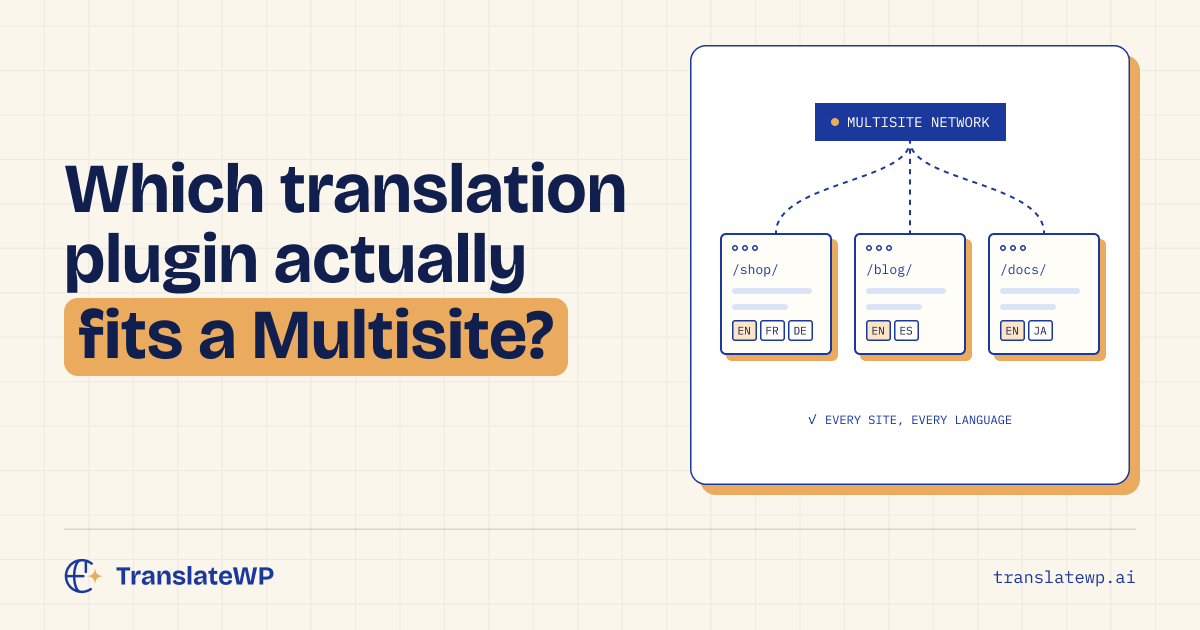
Connect as many sites as you like to TranslateWP. Orbital (Pro) is bought per account and covers every site on it, and Multisite networks are managed from Network Admin.
5. What happens when you edit a page? 🔄
Most comparison lists skip this one, and it matters more than almost anything else. Plugins that store a copy of every page in every language need each copy updated after you change something. Miss one and that language shows the old price.
TranslateWP works from your live pages, so translations follow your edit on the next visit. More on that in how to translate a WordPress site.
6. Do you have to translate everything up front? 📦
Pre-translation means paying for every page before anyone reads it, old posts included.
TranslateWP translates your front page and menu pages during setup. Everything else is translated the first time a visitor opens it in a language, then stored for everyone after.
7. How good is the translation, and who controls it? ✍️
Word-by-word tools miss meaning and mangle brand names. Ask whether the plugin understands context and whether you can fix how specific terms are translated.
TranslateWP reads whole passages and uses a description of your site to settle ambiguous words. The free Lexicon lets you pin how each term is translated per language. Pro adds your own style and tone, plus on-page editing for any sentence.
8. Can search engines see the translations? 🔍
If search engines can’t index a translation, it won’t bring you visitors. Some free tools translate in the browser only, so search engines never see the translated text.
Ask whether each language gets its own address, and on which plan hreflang tags and translated metadata are included.
Every TranslateWP page has its own language folder on every plan, with hreflang tags (including x-default) and a per-language canonical tag, providing search engines with language-specific page information. Pro adds translated sitemaps, translated SEO titles, meta descriptions and structured data, and IndexNow pings, and it works with Yoast SEO. Our guide to multilingual SEO for WordPress goes deeper.
9. How long does setup take? ⚡
Some tools want DNS changes, subdomains or a per-post workflow. Ask whether you can go live today without touching DNS.
With TranslateWP you can. Install, connect with one click, let it read your site and pick your languages.
10. What data leaves your site? 🔒
Shops and sites with forms need to know what gets sent where.
TranslateWP sends your page text and site address for translation. Our privacy policy explains what is processed.
Quick checklist ✅
| Question | What to look for | TranslateWP |
|---|---|---|
| Free plan | No word-count billing, more than one language | Unlimited websites and languages |
| Word-count billing | None | None, on any plan |
| Per-language fees | None | None |
| Per-site fees | One purchase for all sites | Pro covers every site on your account |
| Content edits | Translations update by themselves | Always current |
| Page preparation | Clear setup and update workflow | Front page and menu pages at setup; other pages on first visit |
| Control | Glossary and tone settings | Free Lexicon and tone presets; custom tone and on-page editing in Pro |
| SEO | Indexable pages, hreflang, translated meta | Language folders, hreflang and canonical tags on Free; translated metadata and sitemaps in Pro |
| Setup | No DNS changes | One-click connect |
| Privacy | Clear disclosure and sensitive-content exclusions | Page text and site address sent for translation |
Our pick for the best WordPress translation plugin 💡
We’re biased, obviously. But we think the best WordPress translation plugin is the one whose bill doesn’t grow faster than your site, and billing is where most of them fall down. That’s the test TranslateWP was built to pass. For the numbers behind it, read what it costs to translate a WordPress site.
FAQ ❓
What is the best free WordPress translation plugin?
Look for a free plan without word-count billing, support for the languages you need, and clear search-engine behavior. TranslateWP Free includes unlimited websites, unlimited languages and no word-count billing.
Should I choose a plugin or a translation service?
A plugin that works inside WordPress keeps setup simple and skips DNS changes. TranslateWP is a WordPress plugin that connects to the TranslateWP service for translation.
Can I switch translation plugins later?
Yes, as long as you plan your redirects to keep your rankings. Our guide on how to switch WordPress translation plugins covers it step by step.
Founders deal, until 7 December 2026, 23:59 Amsterdam time: $59 per year, renewing at $59 while your subscription stays active, or $249 once, for life. Get the founders deal. Lifetime has no renewal and lasts for as long as TranslateWP is offered, subject to fair use. Prices exclude VAT; USD and EUR use the same numbers.