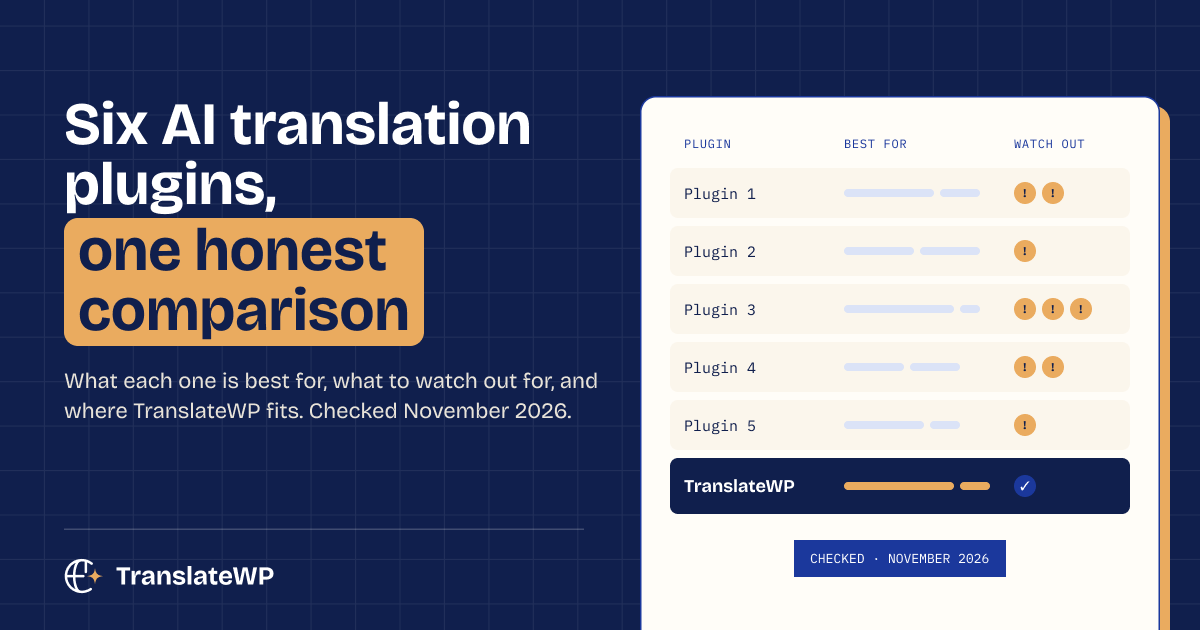
Meet TranslateWP, AI translation for WordPress from the team behind Code Snippets. You want your site in more languages. You don’t want the translation project that usually comes with it. That gap is why we built it.
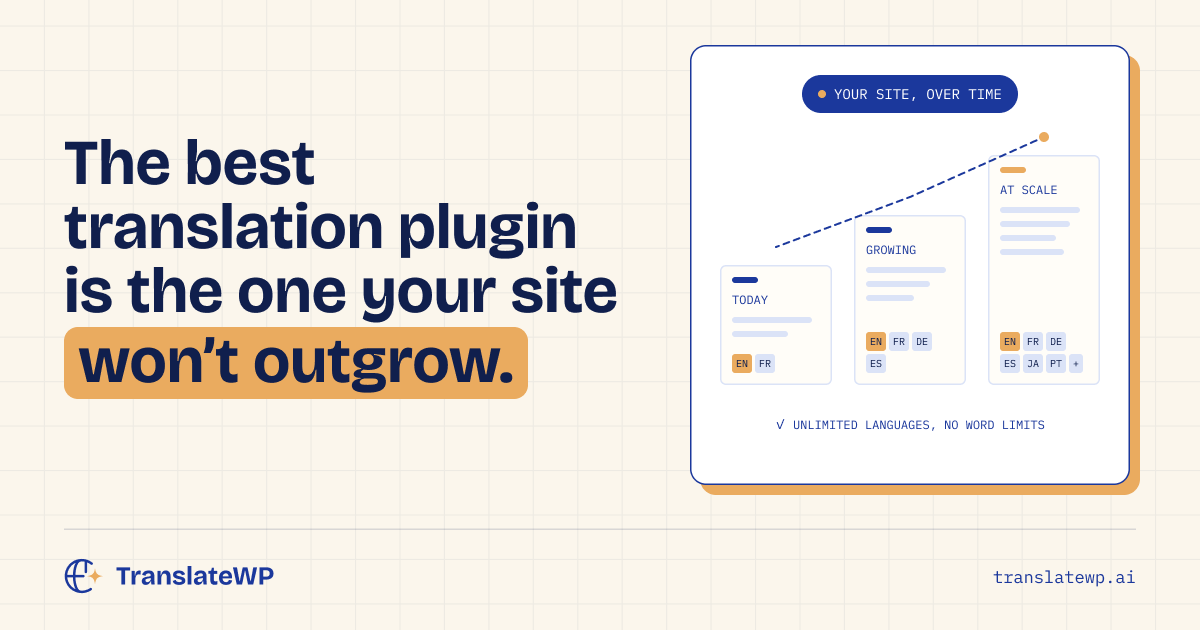
Every plan, the free one included, comes with unlimited websites and unlimited languages. There’s no word-count billing on any of them.
What TranslateWP does 🌍
TranslateWP is a WordPress plugin that translates your site with AI. It reads whole passages in context, so your pages sound like they were written in each language rather than run through a converter.
Most multilingual plugins want your whole site translated before launch. Then every copy is yours to maintain. TranslateWP starts from your live pages instead: a page is translated the first time a visitor opens it in a language, kept, and served to everyone who comes after.
Nothing to build first. Nothing to keep in sync later.
Setup, start to finish ⚙️
A four-step wizard takes you through it in a few minutes.
- Connect. Install the free plugin and connect your site to your TranslateWP account with one click. You sign in with Google or an email link, and there are no keys to copy.
- Read your site. TranslateWP reads your site once and suggests a description, style and tone to translate in. Edit any of it before a single word is translated.
- Pick your languages. The picker covers more than 500 languages and regional variants. Your front page and menu pages are translated straight away.
- Translation. A progress ring shows each language getting ready. Close it whenever you like; the work carries on in the background.
Other pages are translated on their first visit in a language. Text on screen goes first, top to bottom, so readers see what’s in front of them soonest. From the second visit on, the page loads from storage at normal speed.
Edit a page and its translations follow on the next visit. Change a price in English and the German page shows the new one.
In Terrestrial (Free) 🎁
Free is a full plugin, with no trial clock.
- Unlimited websites and languages. Connect every site you run and add every language your audience speaks.
- No word-count billing. You’re never invoiced by the word.
- AI translation in context. Names and brands stay as written, and ambiguous words are read the way your site means them.
- The Lexicon. Pin how product names and industry terms are translated in each language. Your rules override the AI, and the Lexicon costs nothing.
- A switcher for every theme. Floating, menu item, Gutenberg block, classic widget or the shortcode. Any button can become a switcher too.
- A dashboard. Coverage per language, the status of each page, and a log of every translation job.
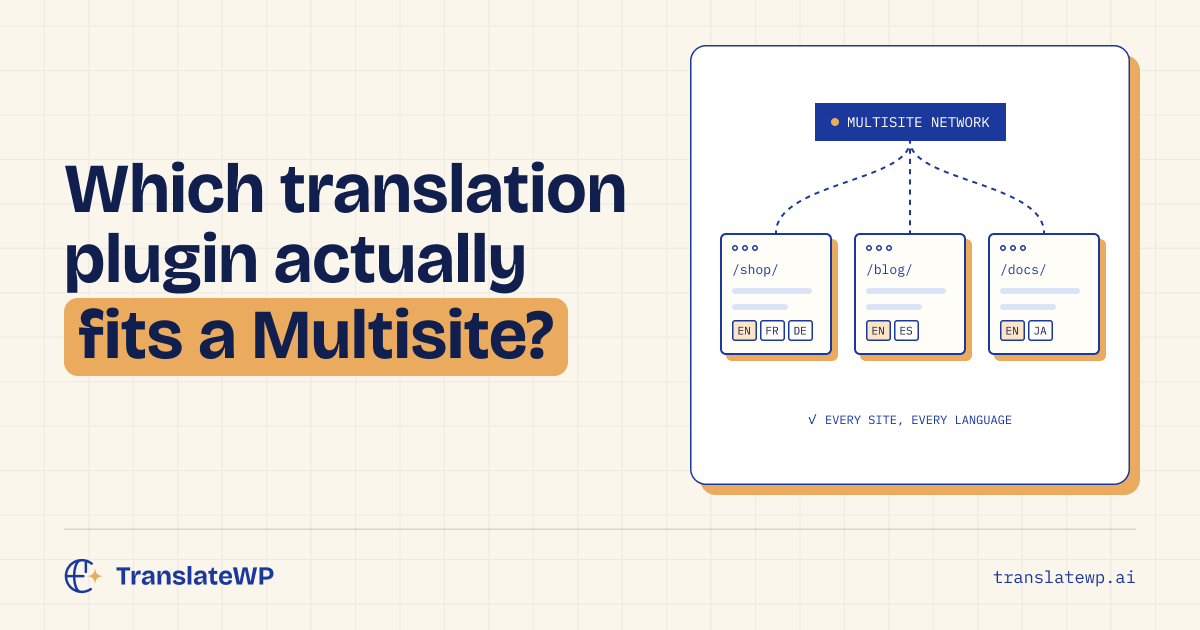
- Multisite support. Connect every subsite from Network Admin in one approval and copy settings across the network.
What Orbital (Pro) adds ⭐
Pro is one plan, everything included. It installs from inside TranslateWP with one click, there are no licence keys, and one purchase covers every site on your account.
- A faster AI model
- Your own translation style and tone, from formal to playful
- On-page editing, so you can fix a sentence where it appears
- Translated sitemaps, translated SEO titles, meta descriptions and structured data, plus IndexNow pings. It works with Yoast SEO.
- Alt text written for images that have none, in every language
- An llms.txt summary and AI crawler controls, so AI assistants can find and cite you
- Returning visitors land in the language they chose last time
- Bring your own AI provider key
The SEO side gets its own post: multilingual SEO for WordPress.
Review what is sent for translation 🔒
For translation, TranslateWP sends your page text and site address. Our privacy policy explains what is processed.
If the translation service is ever out of reach, your site keeps working in its original language.
Why the Code Snippets team built it 🧩
Code Snippets runs on more than a million WordPress sites. Over the years we kept hearing the same complaint: going multilingual cost too much and took too long.
The usual route is to pre-translate everything, pay by the word, then pay again for each language. Edit a page and the translations start to drift. We wanted something that skipped all of that, so we built it.
Getting TranslateWP 🚀
- In your WordPress dashboard, go to Plugins > Add New.
- Search for TranslateWP, then click Install Now and Activate.
- Open TranslateWP, click Connect and follow the wizard.
You can also download it from the TranslateWP page on WordPress.org. There’s a full walkthrough in how to translate a WordPress site in four steps, and plans are on the TranslateWP pricing page.
TranslateWP FAQ ❓
Is TranslateWP free?
Yes. The free plugin translates your site into unlimited languages, on unlimited websites, with no word-count billing. Pro adds a faster model, on-page editing, translated sitemaps and translated SEO metadata.
How is it different from other translation plugins?
Many plugins build and store a copy of every page in every language, and you keep that copy up to date. TranslateWP translates each page on its first visit in a language, then serves the stored version. Your edits carry through on their own.
Will it slow my site down?
The first visit to a page in a new language waits for its translation. Your front page and menu pages are done during setup, so the pages most people open first are ready. After that, every visit runs at normal speed.
Does it work with my theme and page builder?
TranslateWP translates the text your pages render. Gutenberg and classic theme content gets translated. Page builders are not formally tested yet, so if you rely on one, ask us at [email protected].
Who makes TranslateWP?
The Code Snippets team.
Tell us what you think 💬
TranslateWP 1.0 is available, and what you report back decides what ships next.
Founders deal, until 7 December 2026, 23:59 Amsterdam time: $59 per year, renewing at $59 while your subscription stays active, or $249 once, for life. Get the founders deal. Lifetime has no renewal and lasts for as long as TranslateWP is offered, subject to fair use. Prices exclude VAT; USD and EUR use the same numbers.